
The most capable devices are often the least-used ones. Not because they're bad — because the features that make them genuinely powerful are buried under menus, undocumented behaviors, and settings that default to off. I've been using tech professionally for fifteen years and I still discover things that make me rethink how I use a device. This is a collection of the ones I find most useful, across the gadgets most people already own.
A note before we start: these aren't secret tricks or exploits. They're documented features that are genuinely useful but easy to miss if you don't go looking. Most of them take 30 seconds to enable. None of them void warranties or risk your device. Consider this a curated shortlist of things worth enabling the moment you unbox a new gadget.
iPhone: Back Tap — The Button You Already Have
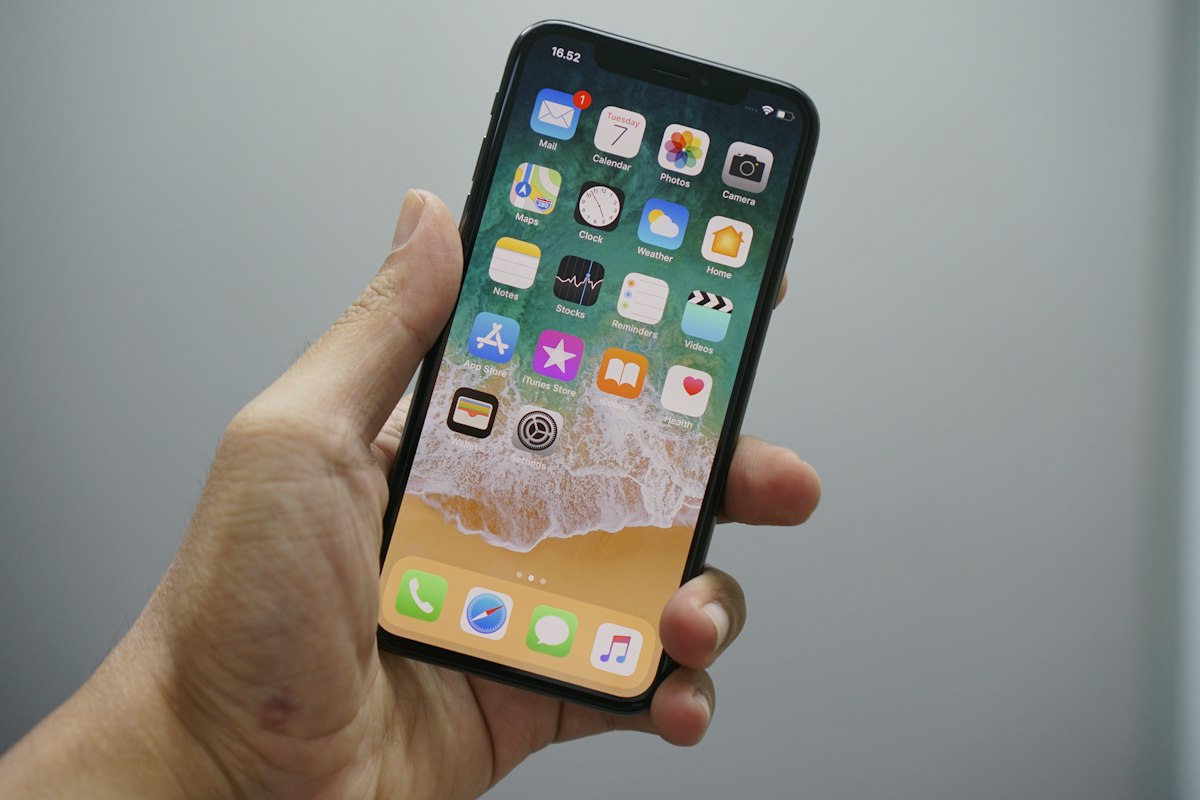
Back Tap is buried in Accessibility settings on iPhone (Settings > Accessibility > Touch > Back Tap), and it's one of those features that once you start using, you wonder how you lived without. You can assign any action to a double-tap or triple-tap on the back of your phone. I've set double-tap to open the camera (significantly faster than swiping from the corner or finding the icon) and triple-tap to toggle the flashlight. Both are things I do dozens of times a day. The phone already knows you're tapping — it just needs to be told what to do with it.
Samsung SSD: Built-In Encryption Without the Overhead
The Samsung T7 and T7 Shield have hardware-level encryption that's AES-256 compliant and doesn't measurably slow down read/write speeds. Most people never enable it because they don't know it exists. The setup requires Samsung's software (Portable SSD Toolkit or MacOS app), but once it's running, the drive appears as locked to any computer that doesn't have your password. For anyone who carries sensitive work files, client data, or personal information — this is the difference between a lost drive being an inconvenience and a data breach. It takes five minutes to set up. The encryption performance penalty is functionally zero on modern hardware.
Noise-Cancelling Headphones: Find the Right Seal
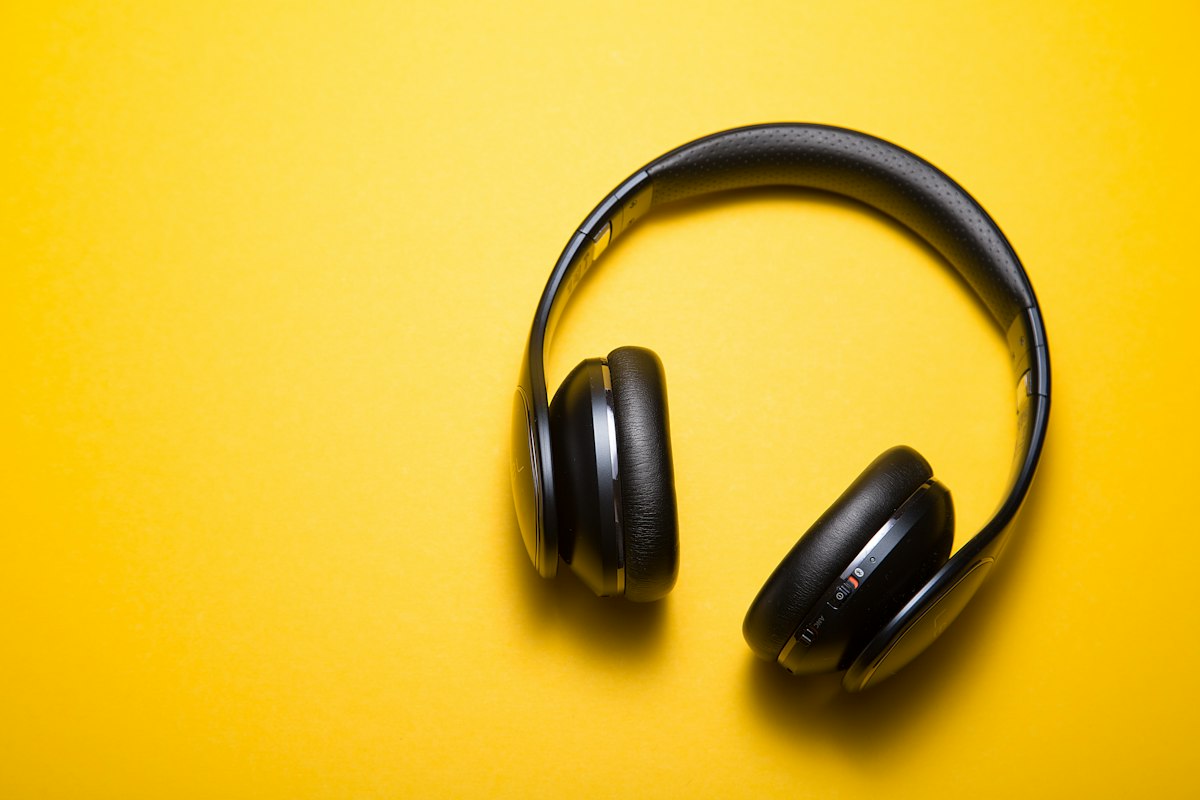
Most people who complain that their noise-cancelling headphones don't work well are actually experiencing a fit problem. The ANC (Active Noise Cancellation) in over-ear headphones depends critically on creating a seal between the ear cups and your head. If there's any gap — from glasses, from hair, from ear cups that don't quite fit — the ANC performs significantly worse and you'll hear much more external noise than the technology is capable of blocking. The fix isn't spending more money. It's spending 30 seconds adjusting the headband height, repositioning the cups, or checking if the ear pad material has compressed over time (replacement pads are $20-40 and make old headphones feel new). Before you blame the technology, check the fit.