
I've been using the same MacBook Air for four years. It still runs well enough that I haven't felt compelled to replace it — which, in the tech industry, is practically a miracle. The secret isn't a particular product or brand. It's habits. The difference between a device that lasts three years and one that lasts six is rarely the quality of the hardware. It's how the owner treats it.
This isn't about being precious with your things. You shouldn't be afraid to use your gadgets — they're tools. But there are specific, concrete habits that make a measurable difference in device longevity. I've been tracking these across my own devices for over a decade, and the pattern is consistent: small, consistent habits extend useful life by 50% or more.
Battery: The Weakest Link

The battery is almost always the first thing to degrade, and it's also the most misunderstood. Lithium-ion batteries degrade faster at high charge levels and high temperatures. The single biggest thing you can do for battery longevity: don't keep your devices plugged in at 100% constantly. If you're using your laptop at a desk most of the time, aim to keep it between 40% and 80%. Yes, this is inconvenient. It's also the difference between a battery that holds 90% of its original capacity after two years and one that holds 60%.
For smartphones: the 20-80% rule applies here too, though the practical benefit is smaller because phone batteries are replaced more frequently. The bigger habit is avoiding extreme temperatures. Don't leave your phone in a hot car. Don't use it while it's charging for intensive tasks. The battery in your pocket has survived this long partly because body temperature is actually fine for it — it's the hot car and the wireless charging pad that generates excess heat that causes the real damage.
Storage: Keep 15% Free
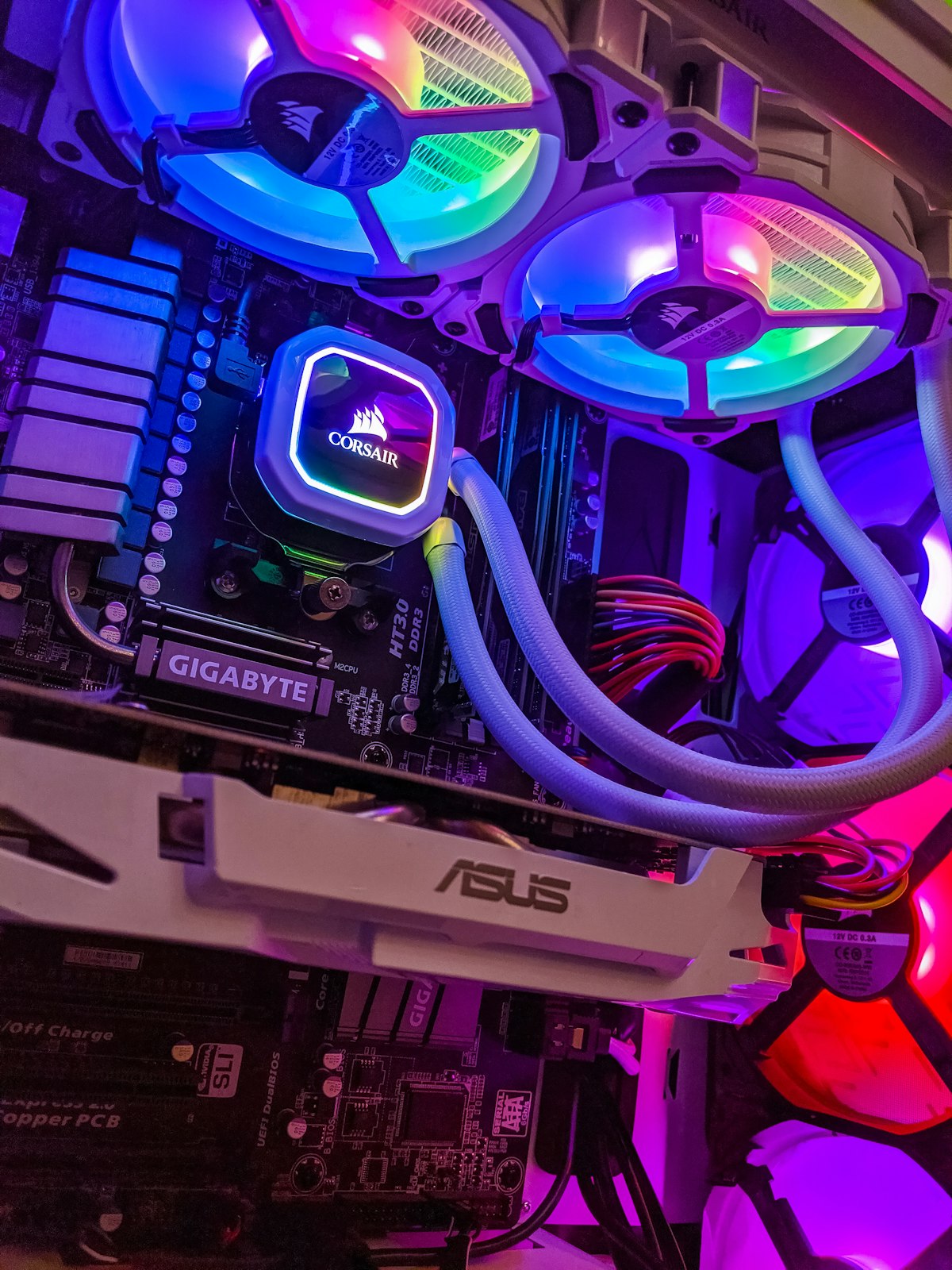
SSDs slow down dramatically when they fill up. Every NAND flash-based storage device has a portion of cells reserved as spare — when you fill the drive, the controller has to work harder to find space, performance degrades, and you also accelerate wear on the cells that are in use. The rule I've followed for years: never let any storage device get above 85% full. That means actively managing storage rather than letting it accumulate. It takes 10 minutes a month to go through your Downloads folder, clear out old installers, and empty the trash. That 10 minutes keeps your drive performing like new for years longer.
This applies to external SSDs, USB drives, and phones just as much as it applies to computers. The principle is the same: free space isn't wasted space. It's performance headroom and longevity insurance.
Software Updates: Don't Delay
Every month there's a wave of articles warning about updating immediately after a software release because "updates break things." These articles aren't wrong — sometimes updates do introduce bugs. But the alternative — running outdated software — is worse. Security vulnerabilities in outdated operating systems and applications are actively exploited. The "if it ain't broke don't fix it" approach to software is how you end up with a device that's compromised without you knowing it.
The right approach: wait 48-72 hours after a major update before installing, to let any critical bugs surface. Then install it. Keep your apps updated. The security benefits massively outweigh the small risk of a bug in an update.